
If you were with your toddler, preschooler, or young grandchild in person today, you’d be teaching, right? All the time! It’s what Grandmas and Grandpas do – counting out plates as we set the table, naming body parts as we soap up a grandchild at bath time, telling them that baby kangaroos are called joeys.
Keep the education going when you’re video chatting (on FaceTime, Zoom, Microsoft Teams, WhatsApp and more), in the same natural and fun manner.
Among the greatest learning opportunities, of course, is reading. Picture books are easy to read on an iPad or other video chat device, and little ones can’t get enough. Check out my post on easy picture book reading to learn more.
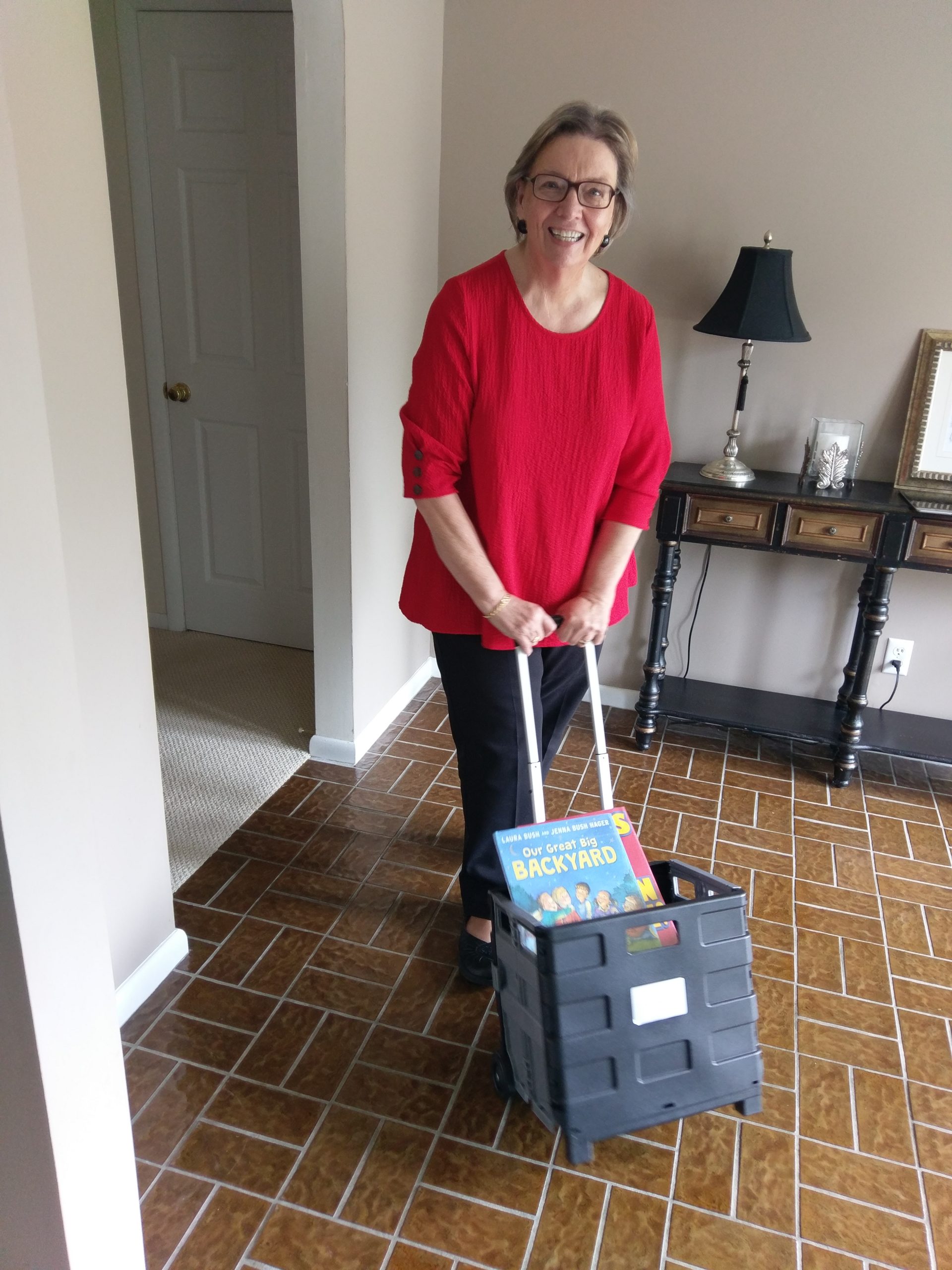
The Opposites Game.
For a grandchild who is a toddler or preschooler, we sometimes included learning opposites as part of a video chat. Prior to the conversation, we gathered objects. Then during the video chat, we asked the child if they wanted to play the Opposites Game. We “flipped” our device camera around so the grandchild wasn’t seeing us but seeing what we were aiming the camera device at.

Other opposites we showed …
- Grandpa showed Gram crouching down and Grandpa asked what’s the opposite of “down.” The grandchild said, “UP!” and up comes Gram! I also did a few more ups and downs, saying the right word as I did.
- I held the iPad and showed Grandpa walking slowly through the room. “What’s the opposite of slow?” I asked. When the child answered (with or without help), Grandpa then walked fast.
- We showed a full glass … then poured the water out … and asked the grandchild what word is the opposite of full.
- A “messy” table was straightened as the grandchild watched and figured out it is now “clean.”
- I did a close-up of my happy face and asked the child the opposite. As soon as they said “sad,” my face turned sad.
Around the house.
Sometimes it seems, we acted like the little kids really were visiting our house. So much to see and learn!
- I would hold the iPad and we watched Grandpa cook a simple recipe. We taught what ingredients are and how to measure and follow directions.
- Once we took the iPad out to the garage when Anderson was asking a question about cars. I held the iPad while Grandpa popped the hood of the car to show the parts.
- When our hosta plants start to come out of the earth every spring, every time we FaceTime, we show the kids the progress. We mention what a plant needs to grow.
Spanish Bingo.
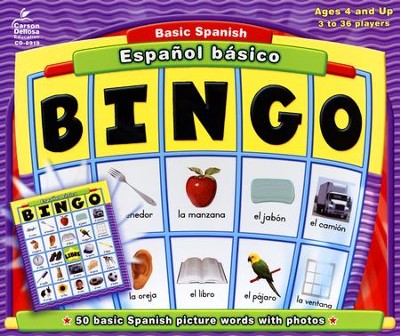
I bought this Spanish Bingo game and played it with the kids at their house … and then left the boards and chips at their house and brought the rest back to ours. Then during video chats, I was the “caller” and the kids were the players.
Finding “the stuffies.”
I firmly believe kids who regularly communicate on video chatting learn to use their words more effectively. They have to! Here’s an example:
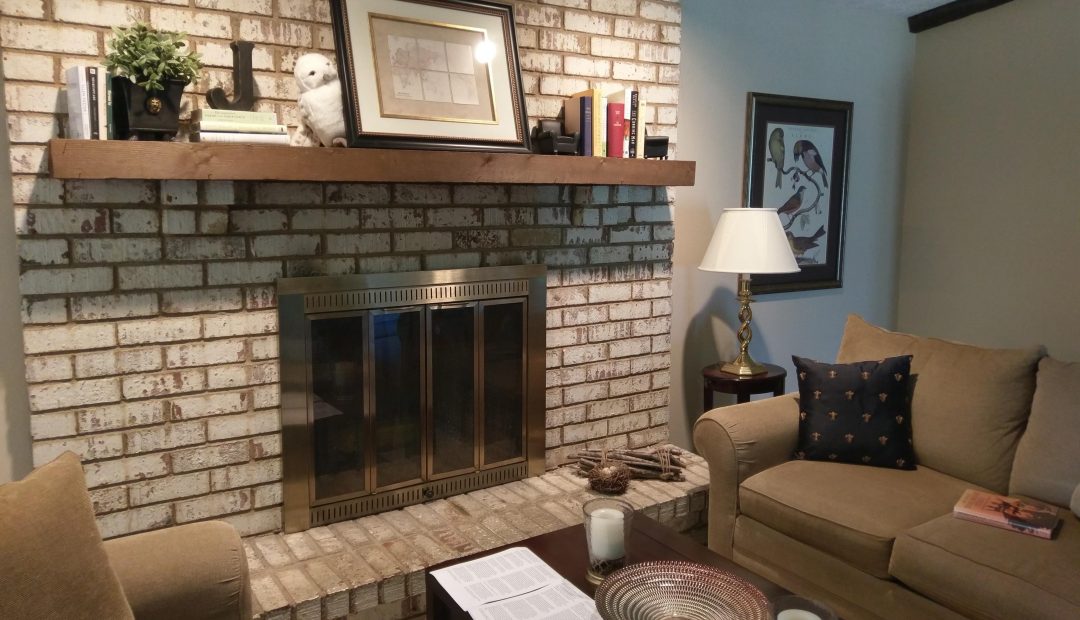
Before a video session, sometimes we hid the stuffed animals we have around the main rooms of our house. Then when FaceTiming, we asked the little grandchild to help us find them. They loved doing this!
If my toddler grandchild can’t, I walk closer to the area.
We flipped our iPad so the little one could see the room and then we slowly scanned. When a child spotted Muffy Vanderbear or the squirrel or the horse, he or she would invariably point to their own screen and say, “There! There!” We would tell the child to use their words so we would know where the stuffy is … and we would see the child struggling to figure it out and then announce with glee, “On the couch”! We’d ask where on the couch. “Behind the pillow!!!” Toddlers and pre-schoolers are so proud and we fussed over how their brilliant use of words enable us to find the stuffy.
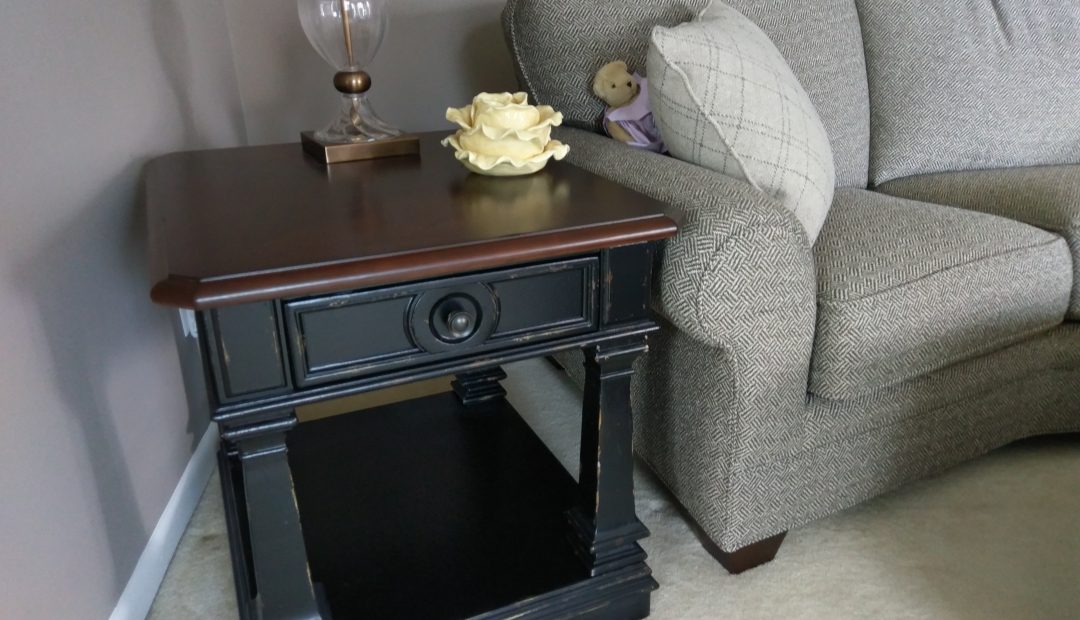
“You have such good eyes!”
Children love to be helpful and this can be achieved even on the iPad.
Using videos to teach.
This learning activity started during a video chat when we were trying to explain to the grandkids how fancy bakery cakes are made — and we were doing a lousy job. Either their grandfather or me had the idea to see if there was a YouTube video on the subject. We entered our request in YouTube’s search — and voila! Lots of cake decorating videos from which to choose! The grandkids’ jaws almost dropped as they saw beautiful cakes being created.
Now we use YouTube videos all the time. WARNING: We always preview a video without the grandkids around. We carefully watch it and listen to it to make sure it’s appropriate for little ones.

A video is worth a thousand words! We get the video on a home computer, then hold the FaceTime device so the kids can see the computer screen.
We have created all kinds of learning opportunities by showing videos on:
- how a hot air balloon launches
- how a pit crew changes a tire quickly at a race
- how to saddle a horse
- the events in Olympic gymnastics
- Radio City Rockettes warming up
- children yodeling
- birds hatching from eggs, mother feeding them
These are just some of the subjects that have occurred during a FaceTime conversation — and pretty soon, we were getting a YouTube video on my office computer to show them. The kiddos know we have to preview it first. “Gram, you finish showing them the hummingbird feeder in the back yard while I try to find a video of it,” their grandpa will say. If just one of us is FaceTiming, we tell the kids we will show them the video next time.
What teaching moments have you had during a video chat? Please share — in the Comments section below.
Hey, fellow grandparent! I invite you to subscribe to this blog. You’ll receive an email every time I post a new article. I don’t share your email address with anyone, and you can unsubscribe at any time. Click here to subscribe.